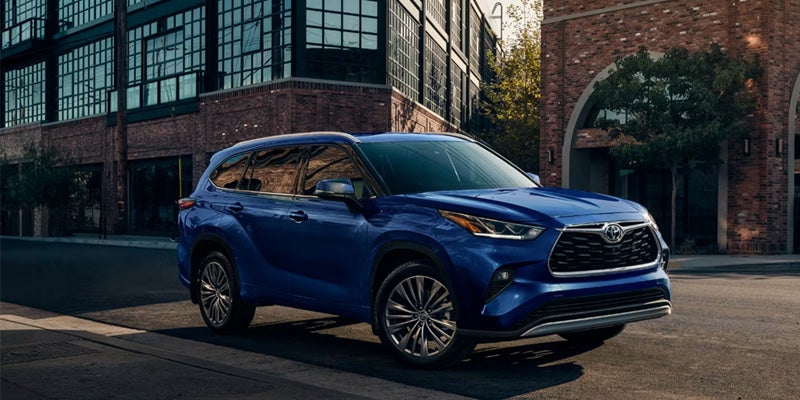


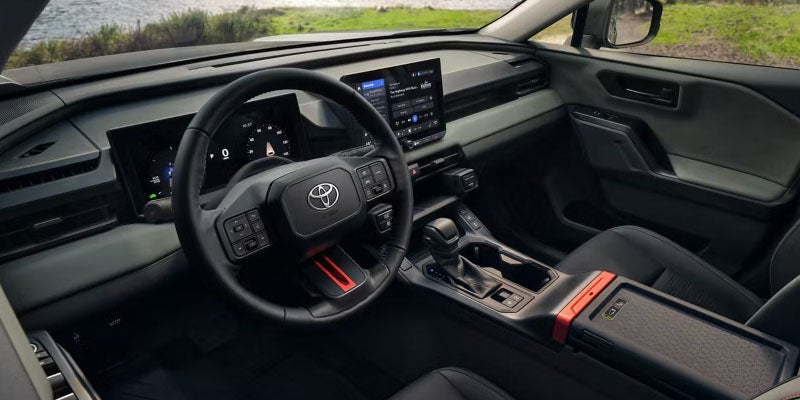
There are certain things nobody particularly wants to relearn every time they get into a car. Where your playlists live. Which podcast you abandoned halfway through. How to find the coffee shop your friend texted you about 12 minutes ago. Apple CarPlay® makes a compatible iPhone feel more at home in an appropriately equipped Toyota by bringing supported apps and functions into the vehicle's multimedia system. For drivers around Ashland, WI, it's the sort of feature that can slip rather effortlessly into commuting, errands, school runs, and longer journeys. Your Familiar Apps Move to a Much Better Location Connect a compatible iPhone and Apple CarPlay® provides access to supported functions such as Apple Maps, Phone, Messages, Music, and compatible third-party apps through the Toyota multimedia interface. Siri® can handle certain requests by voice as well, which means directions, calls, messages, and audio don't necessarily require reaching for the phone. Exact connection methods depend on the Toyota model and equipment, with compatible systems offering wired or wireless operation. Either way, the attraction is simple: the apps you already understand are available through a system designed for use inside the vehicle. CarPlay Is Available Across Plenty of Very Different Toyotas Apple CarPlay® compatibility can be found across a broad selection of Toyota vehicles, including familiar names such as RAV4, Camry, Tacoma, Tundra, Highlander, Sienna, and Crown. That's quite a spread—from family minivan to full-size pickup—so choosing a Toyota based on CarPlay alone would be rather like choosing a house because you approve of the electrical outlets. The vehicle still needs to suit your passenger, cargo, efficiency, performance, and capability requirements. Shoppers comparing new Toyota inventory should confirm the connectivity equipment included with the specific model and trim they're considering. Wireless CarPlay Is Lovely Until Your Phone Needs Charging On appropriately equipped Toyota models, wireless Apple CarPlay® removes the cable from the equation. Get in with a previously paired compatible iPhone and the system can connect without requiring you to plug it in for every trip. Wired connectivity has its own appeal, particularly on a long journey when your phone's battery percentage begins its slow and deeply personal attack on your nerves. Connection type and available USB ports vary by vehicle and equipment, so this is another feature worth trying rather than assuming from the model name alone. Android Users Haven't Been Forgotten Apple CarPlay® is designed for compatible iPhones, while Android Auto™ provides comparable smartphone integration for compatible Android devices on equipped Toyota vehicles. This becomes especially handy in households where one person uses an iPhone and another has Android and both remain absolutely convinced they made the correct life choice. Buyers can compare smartphone compatibility alongside multimedia displays, available wireless charging, audio systems, and other technology when exploring Toyota trims. The Best Test Is Connecting Your Own Phone Infotainment features can sound wonderfully simple on a specification sheet, but everyone interacts with them differently. If smartphone connectivity is important to you, bring your compatible phone on the test drive. Pair it. Open your preferred navigation app. Find your music. Try a voice command. See where the controls are and how naturally they fit into the way you already use your phone. Integrated technology earns its place when it makes ordinary tasks easier rather than giving you another digital system to study. Find a Toyota That Fits More Than Your Phone Marthaler Toyota of Ashland can help local shoppers compare new Toyota models, trims, multimedia features, Apple CarPlay® and Android Auto™ compatibility, current pre-owned inventory, financing, and trade-in options. Once you've found a Toyota that fits your passengers, cargo, driving habits, and favorite phone apps, connect your device and schedule a test drive online.
Low Engine Oil Means Something Changed. Find Out What.
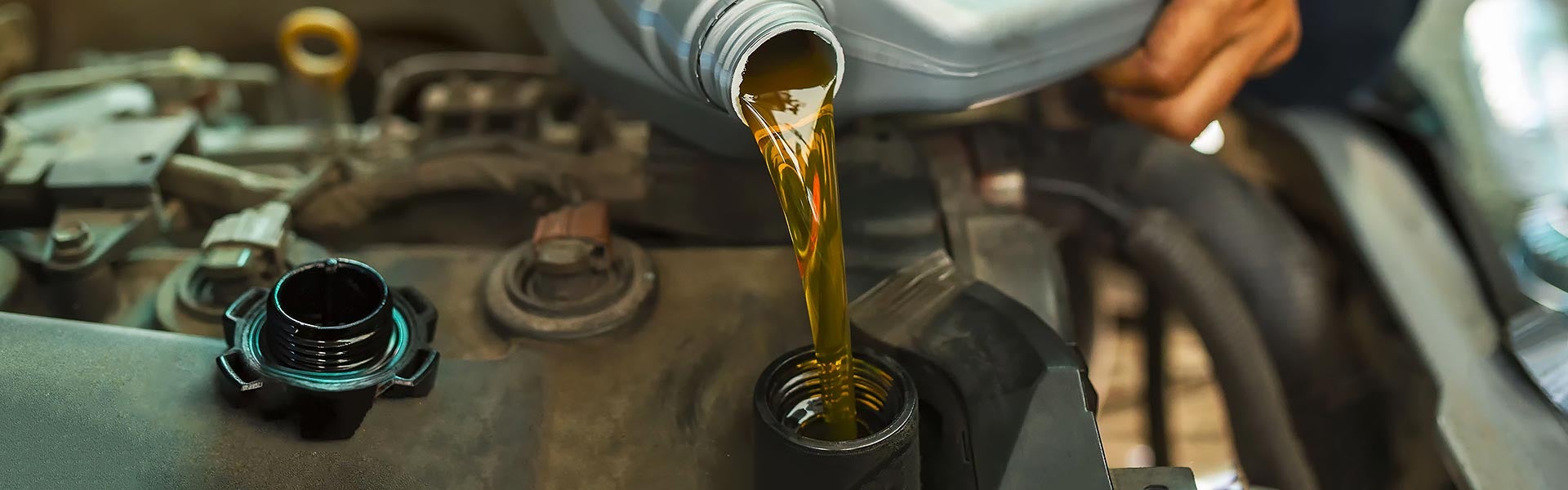
Engine oil has a list of jobs that starts the moment a Toyota engine starts running. It lubricates moving components, reduces friction, carries heat, suspends contaminants, and helps keep metal surfaces separated while everything inside is moving very quickly. But the lubrication system needs enough oil to do those jobs. If the level falls below the proper range, adding oil may correct the level, but it doesn't answer the more important question: where did the oil go? That's where checking the level, watching for changes, and scheduling Toyota service when necessary become important. Oil Doesn't Disappear Without a Reason An engine can consume some oil during operation, and the amount can vary by engine design, mileage, operating conditions, and other factors. A level that drops unexpectedly or repeatedly deserves investigation. External leaks can develop at seals, gaskets, drain plugs, filters, or other points in the lubrication system, while an engine can also consume oil internally. Spots beneath the vehicle, oil residue, smoke, or a burning-oil smell can provide clues, but the absence of those signs doesn't prove the level is holding steady. Sometimes the dipstick tells the story before the driveway does. Low Level and Low Oil Pressure Aren't the Same Problem This distinction is important. The dipstick measures how much oil is in the engine, while an oil-pressure warning indicates a problem with the pressure needed to circulate lubricant through the engine. If an oil-pressure warning appears while driving, continuing to run the engine can risk serious damage. Follow the warning instructions in the Toyota owner's manual and stop the engine safely when directed. A low reading on the dipstick also needs correction, but don't assume every oil-related dashboard warning simply means it's time to pour in another quart. Adding Oil Solves the Level, Not Necessarily the Cause If the dipstick shows a low level and the owner's manual permits topping it off, use oil meeting the viscosity and specification Toyota calls for and avoid overfilling. Then pay attention to what happens next. If the level falls again unusually quickly, an oil leak inspection or engine diagnosis can help determine why. Simply adding oil every time the level drops can conceal a developing problem without repairing it, rather like putting air in a tire every morning and declining to investigate the nail. Oil Changes and Oil-Level Checks Do Different Jobs Routine oil changes replace aging lubricant and the oil filter according to the maintenance requirements for the specific Toyota. They also put the vehicle in a service bay, creating an opportunity for technicians to notice leaks or other concerns. They do not guarantee that the engine won't lose oil between services. Checking the oil level as recommended by Toyota remains important, particularly if the vehicle has shown signs of consumption or leakage. Follow the owner's manual and applicable maintenance guidance rather than relying on a universal interval based solely on oil type. Let the Evidence Decide What Service Comes Next A low oil level may require nothing more complicated than adding the correct oil, but repeated loss deserves more attention. Marthaler Toyota of Ashland can help drivers with Toyota oil changes, oil-level checks, leak inspections, scheduled maintenance, fluid service, and Multi-Point Inspections. If you've noticed oil beneath the vehicle, repeated low readings, unusual engine behavior, or an oil-related warning, have the cause investigated rather than simply resetting the clock. Check current service specials and schedule your Toyota service appointment online today.